How Phone Uploads Work
13 August 2026
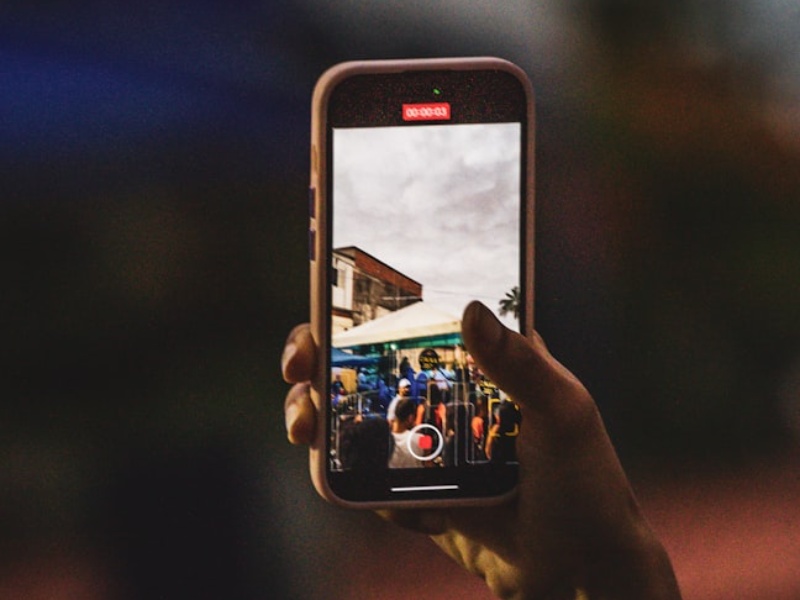
Scan, snap, done
Most orders start on a phone. When you visit the desktop site, a QR code appears right on the upload screen - scan it with your phone's camera and you'll land straight on a simple upload page, no app to download and nothing to log into.
Choose an existing photo or take a new one
Once you're on the mobile page, you can either pick a photo straight from your camera roll or take a brand new one on the spot. Either way, the upload happens directly from your phone to our servers - the desktop screen updates automatically the moment it lands.
We check resolution straight away
As soon as your photo uploads, we measure its resolution against every print size we offer. If it's only sharp enough for a smaller poster, we'll only show you the sizes that will actually look good printed - no guesswork, no disappointing prints.
- No app required
- Works on iPhone and Android
- Your desktop screen updates the instant the photo lands